CUBEODE V1.2 Optical Drive Emulator for GC Loder Swiss SD2SP2 Replace Plug and Play for All Version NGC GameCube Game Console
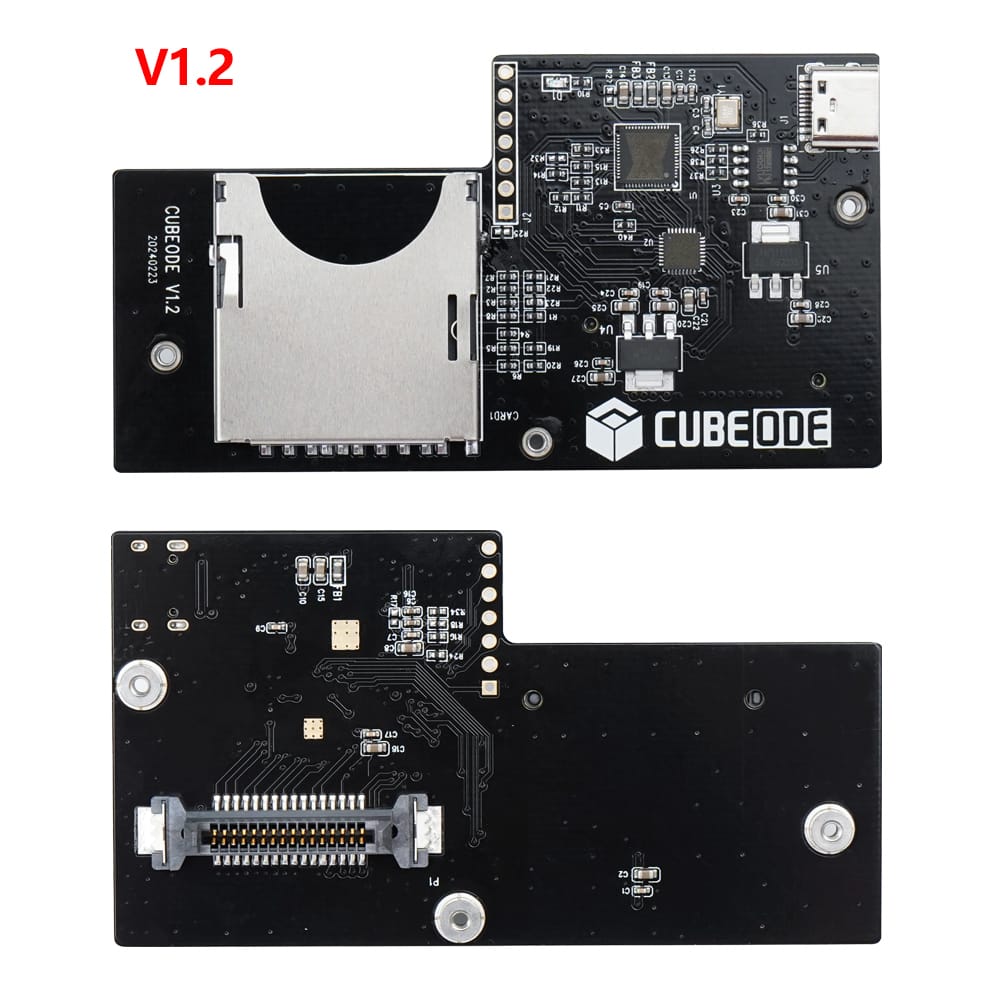

CUBEODE V1.2 Optical Drive Emulator for GC Loder Swiss SD2SP2 Replace Plug and Play for All Version NGC GameCube Game Console
Note:
1. This product does not include an SD card Print Mounting Kit. If required, please visit our store to purchase it separately. Thanks.
2. If you need game installation guide for cubeode, please contact us.
SD Extender printed mount kit: https://pt.aliexpress.com/item/1005002318179308.html?gatewayAdapt=glo2bra
CUBEODE Official Web: www.cubeode.com
Introduction:
CUBEODE can replace the GameCube DVD drive. With it, you can load games and homebrew from a memory card. There is a significant improvement in game loading times, and there is no region restriction, allowing you to play games from all regions on a single memory card. You do not have to worry about issues caused by a faulty drive.
It is plug-and-play without requiring any soldering skills. Simply disassemble your GameCube and replace the original DVD drive with CUBEODE.
Visit < www.cubeode.com >to know more details for CUBEODE.

Features:
- Plug and Play,No Need SD2SP2/SDGecko.
- FAT32 and exFAT support for SD Card (Supports up to 1TB card ).
- Supports ISO, GCM, and DOL files.
- Supports Audio Streaming Games.
- Supports firmware updated by USB port.
- Run games and homebrew using the swiss menu. (https://github.com/emukidid/swiss-gc/releases)
- Compatible NGC DOL-001&DOL-101,No regional restrictions.


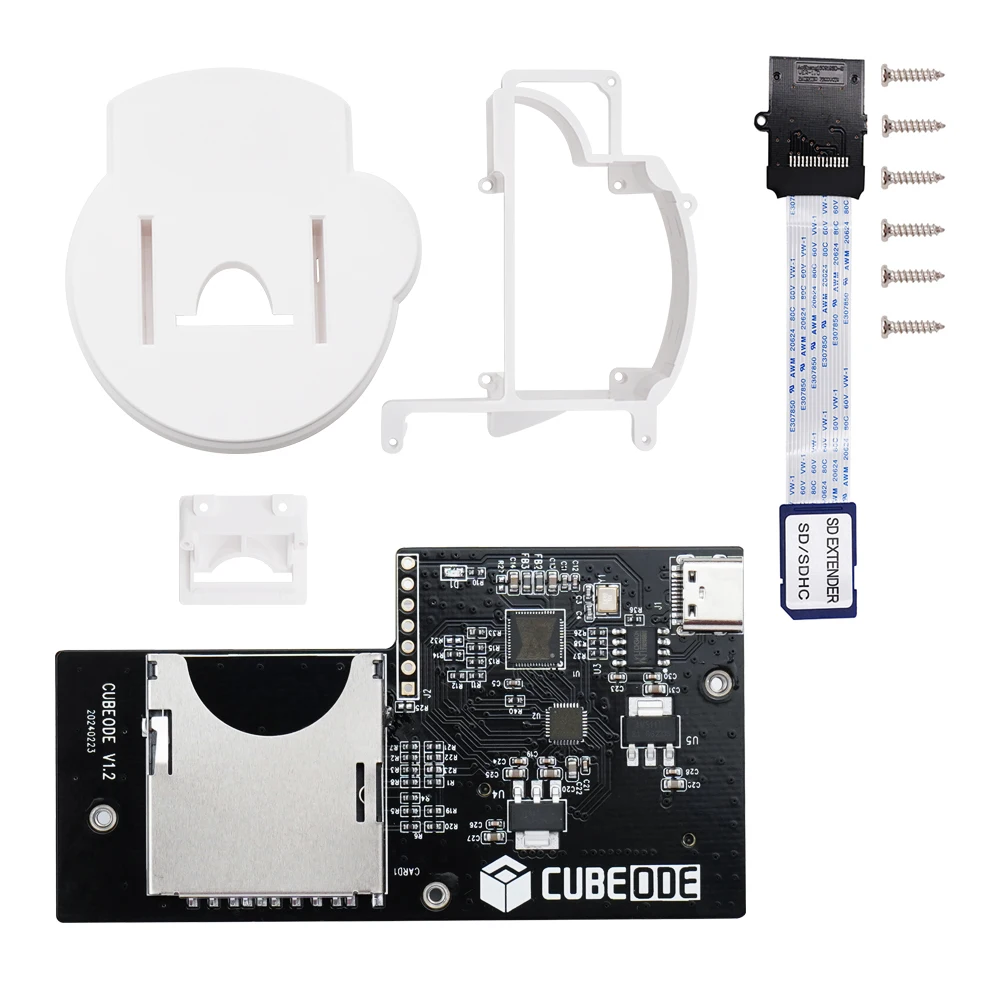
Printed Mount Kit for NGC: https://www.aliexpress.us/item/3256802131864556.html?gatewayAdapt=glo2usa4itemAdapt
How to use?
(SD Card Guide)
You can visit < https://www.cubeode.com/cubeodeusermanual/>
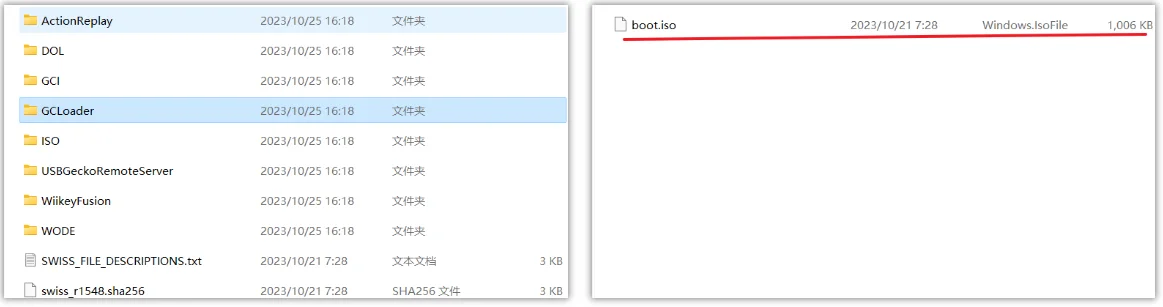
1.Format your sd card to fat32 or exFAT format
2.Go to swiss (https://github.com/emukidid/swiss-gc/releases)github
and download the latest version of the software, unzip it and copy
the boot.iso file from the gcloder folder to the root directory of the
sd card.
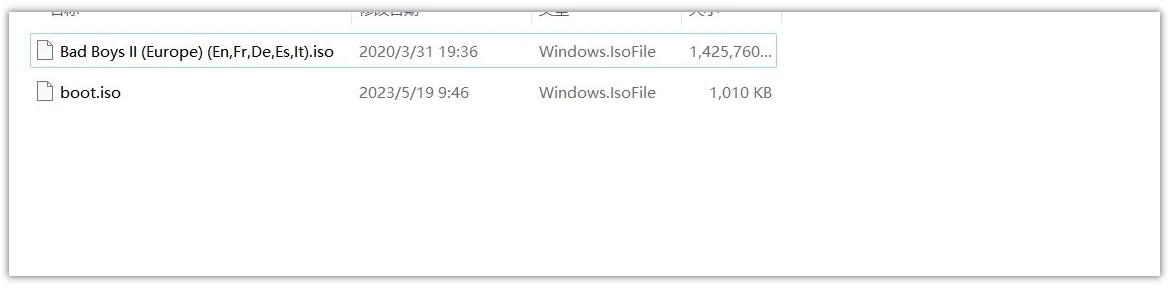
3.Put your favourite game files into the root directory of your SD card.
FAQ
Q1: Will It work for no mods original NGC?
A1: Yes, It will work.
Q2: What versions of the console are supported?
A2: Support NTSC/PAL nintendo gamecube dol-001 and dol-101 consoles.
Q3: Do you need sd2sp2/sdgecko/gctosd to use it?
A3: No, the console can be started directly from cubeode.
Q4: How cubecode works?
A4: The product uses swiss as the boot menu, just copy swiss gcloder boot.iso directly to the memory card.
Q5: What file systems are supported by SD cards?
A5: exfat/fat32
Q6: What formats of games can be run?
A6: dol /iso/gcm
Q7: Can it run "NGC Service Disc v1.0/03" in cold boot??
A7: Yes, It can.
Q8: Can I save the progress on the SD inside the CUBEODE?
A8:Yes, you can. But you need to make a setting by swiss.
Q9: what is the usb-c port on the CUBEODE for?
A9: It is for updating the fimware.
Q10: will CUBEODE support external disk drivers?
A10: No , It won't.
,